Rules for Line Art
- No shading! Only lines!
- You may use different colors of line
- You may fill areas with textures made of lines
- All lines are to be drawn with a 3 pixel diameter pen


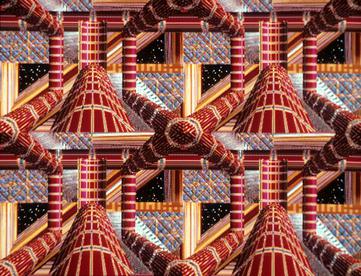
SuperPaint, run on a Data General Nova 800 Mini-Computer. The first graphics program ever, developed just down the road from Cañada at Xerox Park. First person to use it for art was David Em
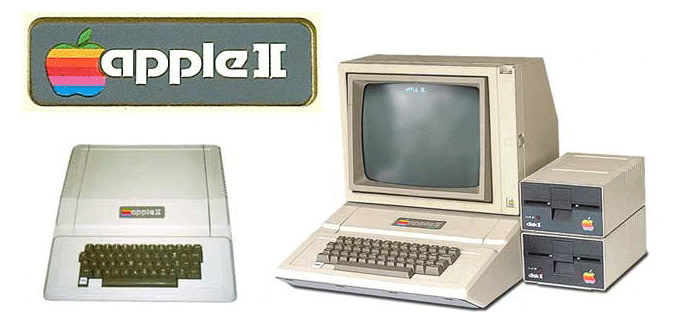
I had one of these ->
It could only draw 3 different colors at a time on the screen.
The software for it was written by rock star
Todd Rundgren
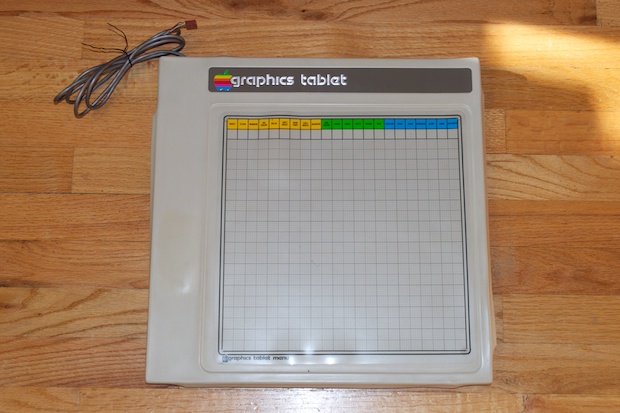
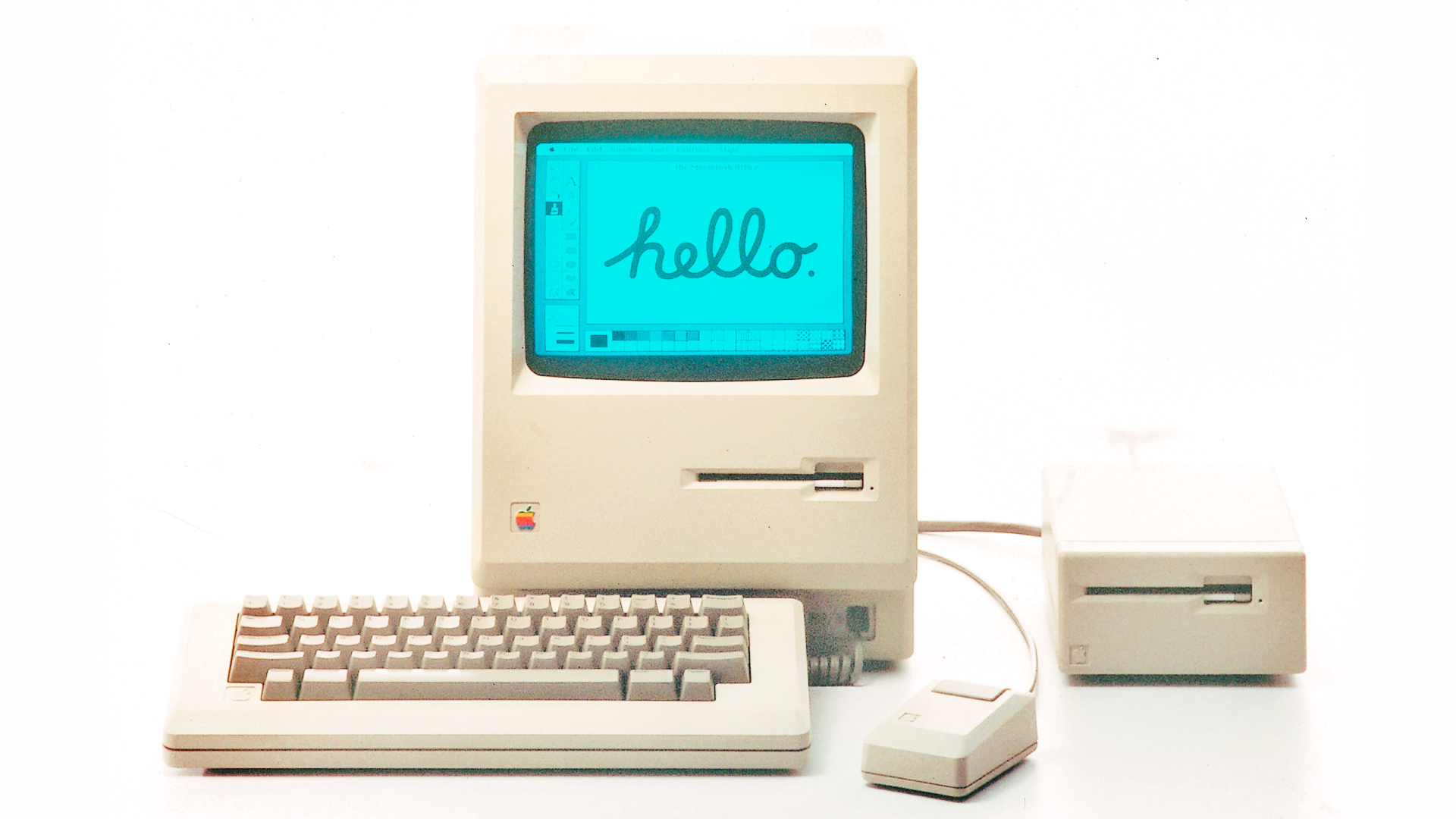
Macintosh computer, the first graphical user interface. Only black and white pixels, though.

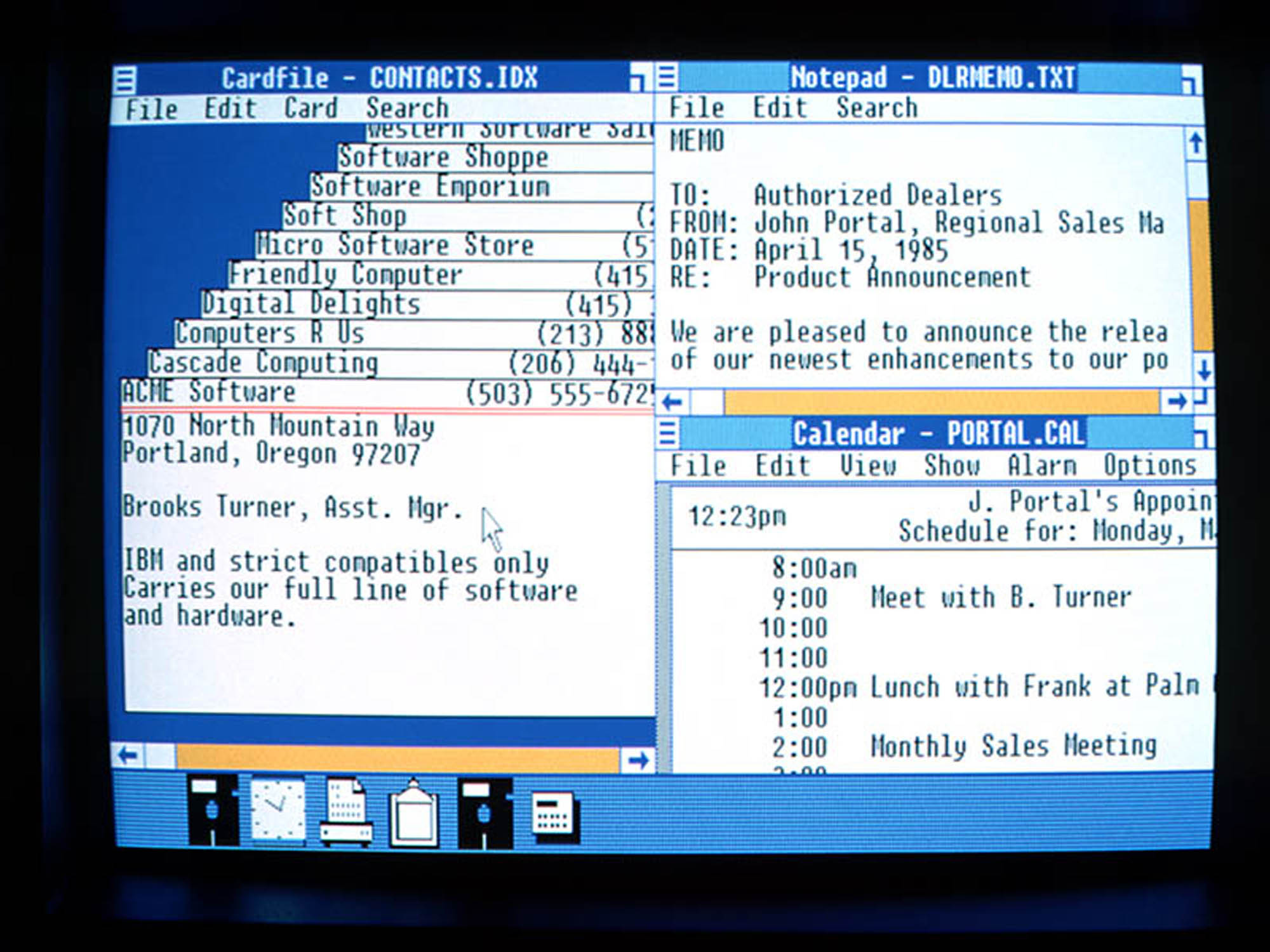
Windows 1.0, the first color graphical user interface. Nobody liked it, though.

First color mac


Created by brothers Thomas and John Knoll and licensed to Adobe. Very few features oriented toward Digital Painting. Mostly oriented towards editing photos. And at that time, mostly black and white photos.
Currently in version 22.1, Adobe Photoshop CC 2021.

Created by Mark Zimmer and Tom Hedges, who are also the founders of Fractal Design.
Both Photoshop and Painter were only available on Mac computers at first...

Corel corporation buys Painter. Corel's market strategy is to buy underdog graphics applications and sell them cheap. This does not bode well for Painter, but they still have a strong product, it just take a long time for significant upgrades to be released.
/1st-generation-ipad-5b54aae646e0fb005b060759.jpg)
Apple releases the first iPad, making finger painting really easy with things like Procreate. Fingers only, though, no pressure sensitive stylus.

Surface Pro with pressure sensitive stylus.

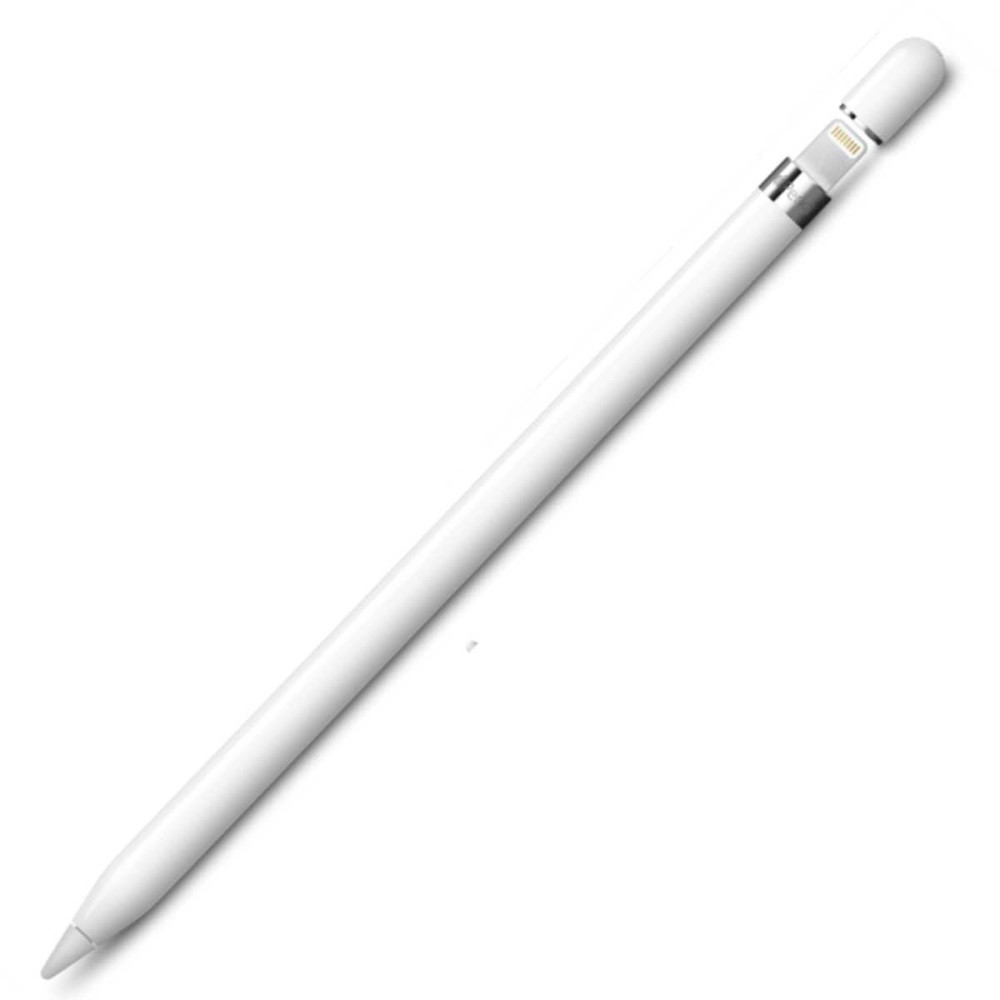
Apple (finally) releases a pressure sensitive stylus. Apparently it took the death of Steve Jobs for it to finally happen.

Apple releases a new tablet and pencil (Apple Pencil 2) - much better design for charging, but essentially the same device.
True answer: It doesn't matter. Photoshop is the application that is the defacto standard in the industry, so it wins.
IMHO, Painter is better at emulating real-world media like watercolor, oil paint, and acrylics, but Photoshop does well enough that it can get you a job, where Painter is unlikely to help. UNLESS, you're really good at making artwork with Painter, and you sell your images and not your hands.
BUT NOW: things are changing fast, mostly because of Tablet computers like the iPad and Surface Pro. New software is coming out and Adobe is running to catch up.
Brad Colbow, a favorite digital painting/digital art making reviewer on YouTube, has a good video on both of the Adobe iPad products here
Hardware and software configurations that will work for this class

Flat out, you can't do digital painting with just a mouse. You have to use a Graphics Tablet, either one that's a tablet surface with a stylus or a display screen with a stylus.
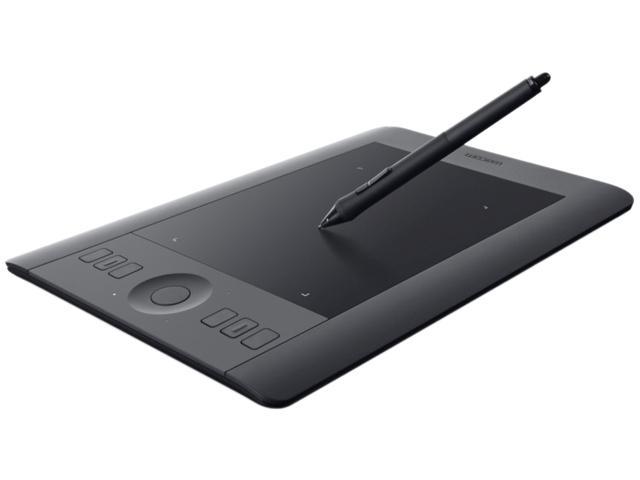
Get one from campus or buy your own
Buying advice: Buy the largest format you can afford. If you can afford it, get one with a built-in screen.
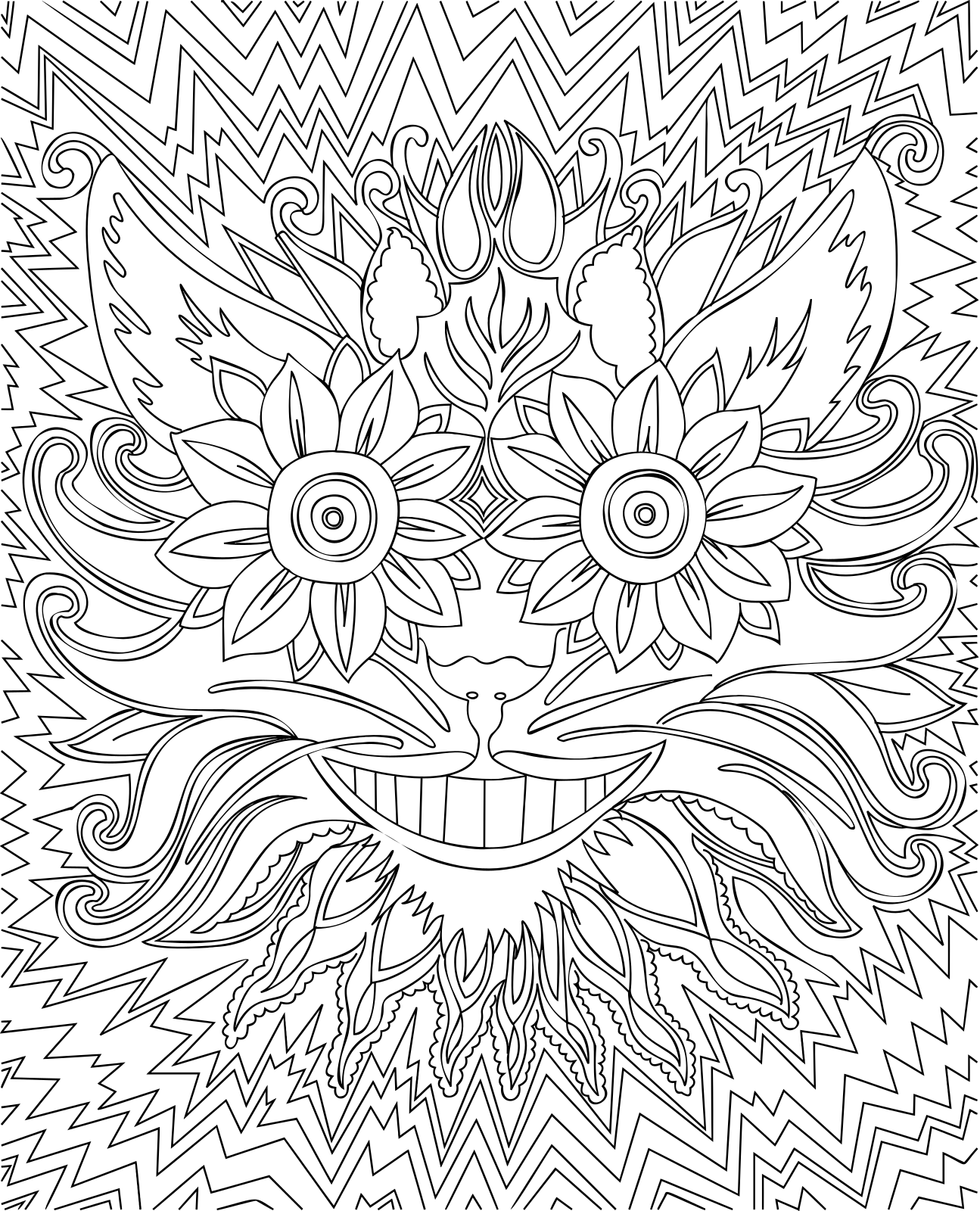
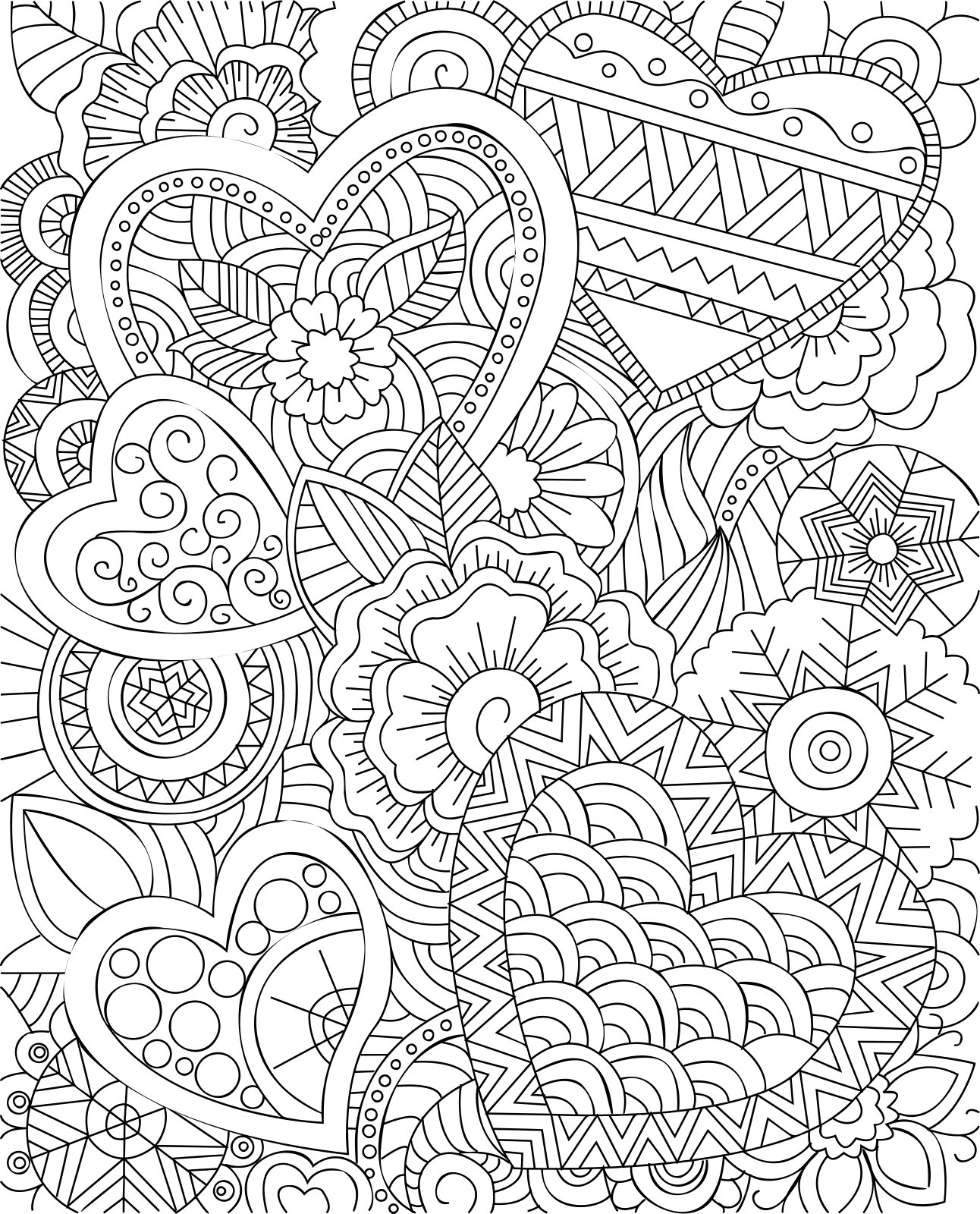


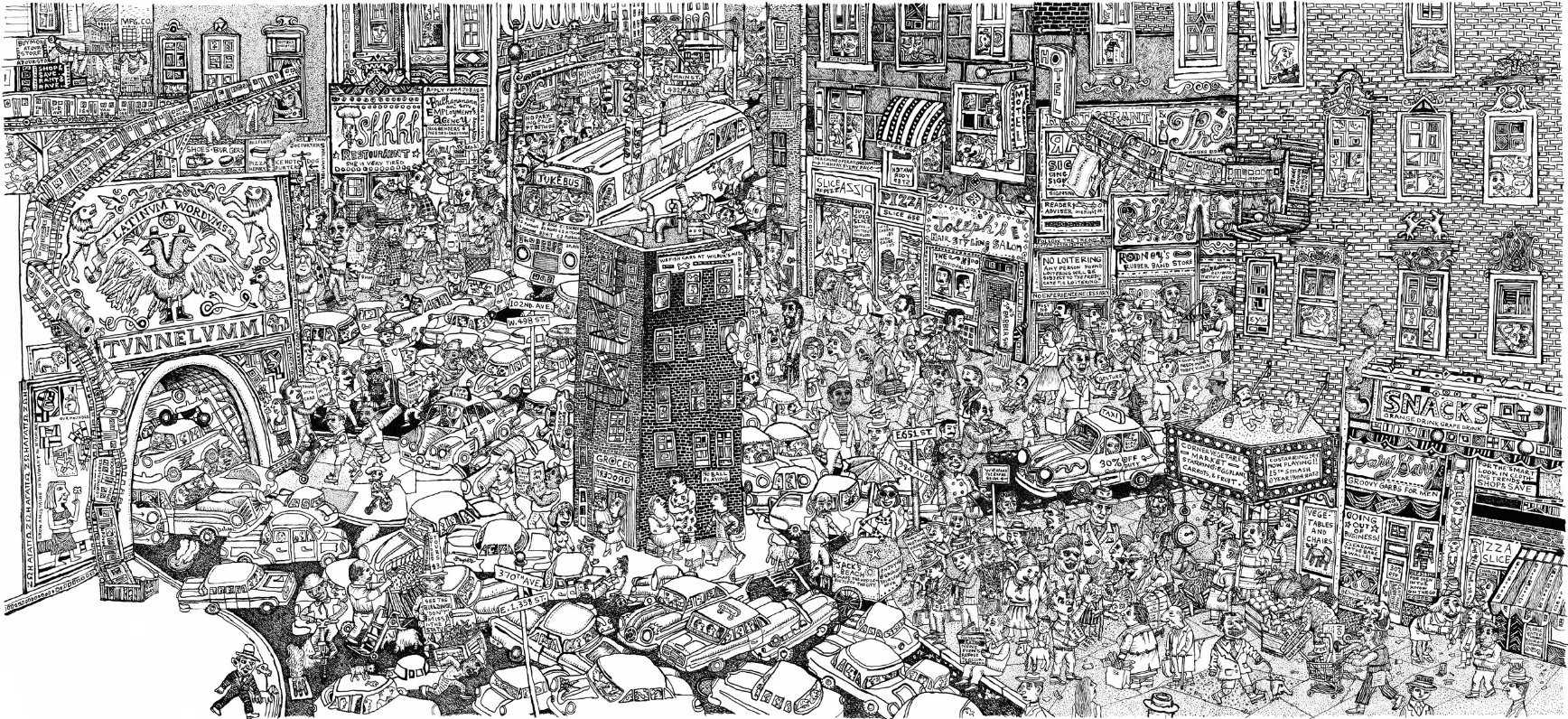
Line art is any image that consists of distinct straight or curved lines placed against a (usually plain) background, without gradations in shade (darkness) or hue (color) to represent two-dimensional or three-dimensional objects. Line art can use lines of different colors, although line art is usually monochromatic. Line art emphasizes form and outline, over color, shading, and texture.
I'm giving this assignment as an introduction to using graphics tablets and styluses as a way to create a digital image. We will advance through the semester using more techniques that include shading with pen and ink (Assignment 2), tinting pen and ink images with color (Assignment 3), drawing with color pencils to build complex color areas (Assignment 4), using brushes to paint colors and textures (Assignment 5), and painting photo-realistically (Assignment 6)
Unless otherwise noted, or approved by me on an individual basis, all work will be done in Adobe Photoshop or Procreate on 8in by 10in, 300 pixels per inch artboards (2400 x 3000 pixels)
I was inspired to give this first project by a fantastic show I saw at the Asian Art Museum in San Francisco on the artwork created in the Mithila region of India.
Here's some examples:


Cintiq Pro 32, iMac 5k (27in, 2014), Adobe Photoshop CC 2019
 Original photo
  Full painted image
  200% of size