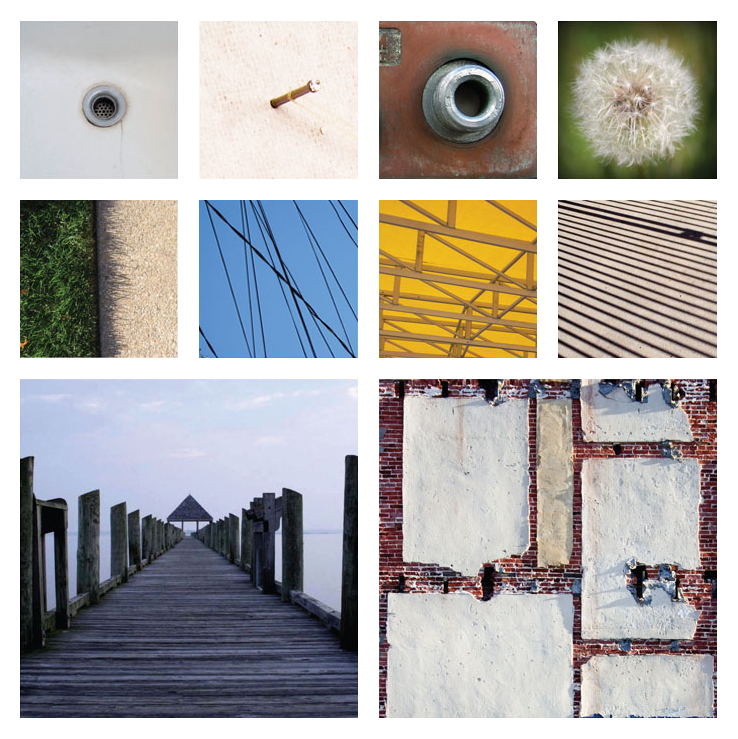
The Steps
You'll need to do this in daylight between now and Wednesday's class. There will be extended lab time to work on this on Wednesday
- Explore our local environment with the phone in your camera (or any other photographic device), looking for surprising and intriguing visual examples of the three fundamental elements of design: Points, Lines, and Planes. Take as many as you find interesting, but bare in mind that you will need to select three of each type (point, line, plane) for the final images.
- Get the photos onto a local computer (email, facebook, twitter, iTunes, Google Drive, however you like).
- Choose the three best examples of each type and crop them in Photoshop to a 600px by 600px square and save them as .png's (I will demo)
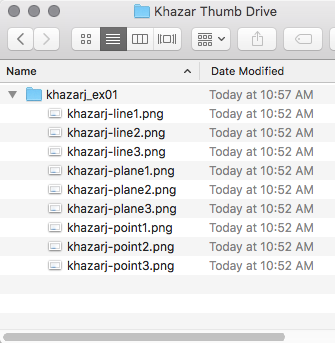
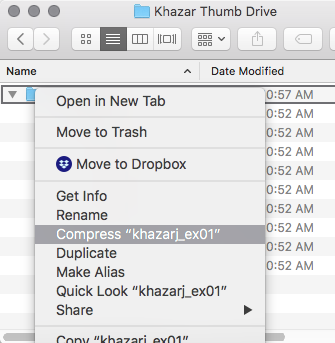
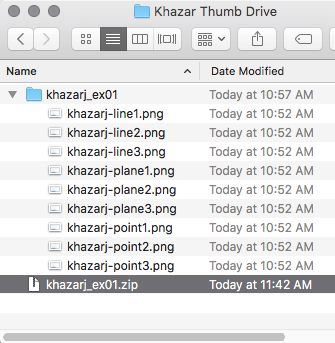
- Name the files thusly: lastnamefirstinitial_point1.png, lastnamefirstinitial_line1.png, etc. Put all the files in a folder, name it lastnamefirstinital_ex01 and compress the folder (I will demo).
- Upload the compressed folder (lastnamefirstintial_ex01.zip) to the Uploads page for this exercise.
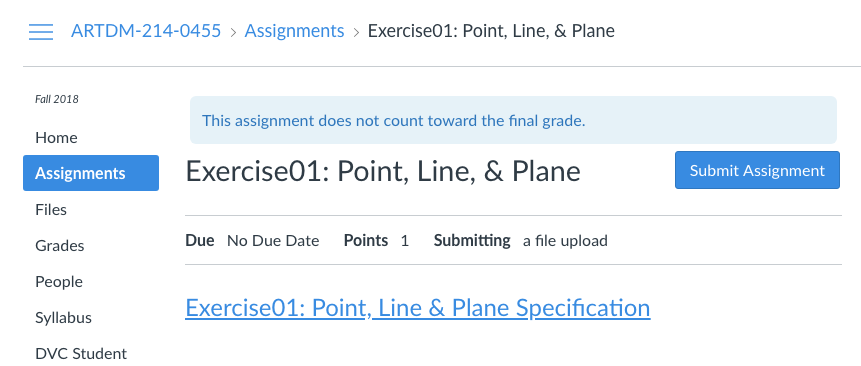
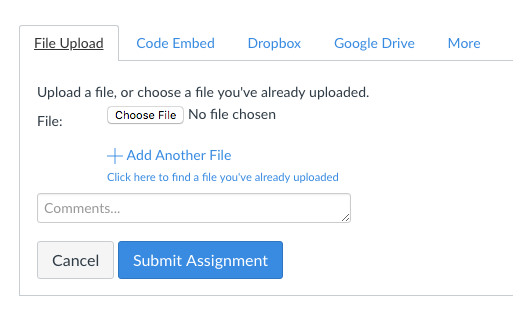
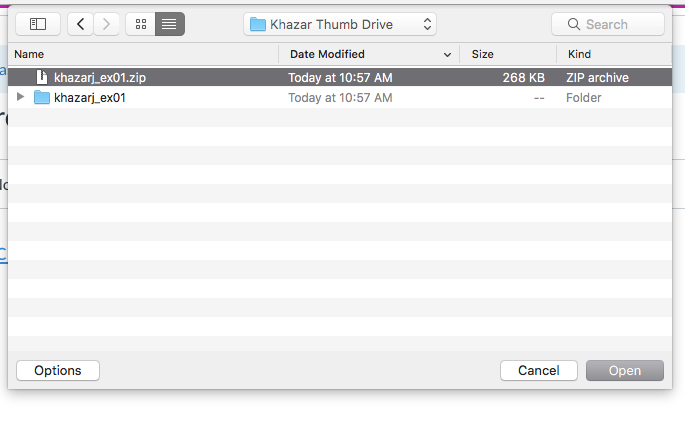
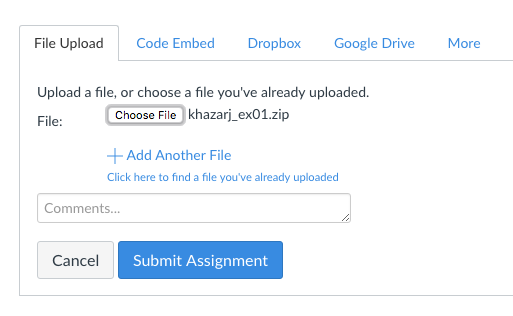
- On the Uploads page , follow these steps:
- Click on the blue Submit Assignment button.
- Click on the (almost invisible) Choose File button.
- Choose the file and click the Open button.
- You should see your file name next to the Choose File button
- Click the Submit Assigmment button.
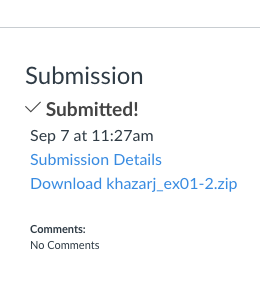
- You should see your file as successfully submitted in the upper right side of the page.
- We'll review these as a group Wednesday, 9/12
* If you don't have a camera, work with someone else who does to take pictures for you.