Get the Book
Get your textbook online or a free pdf (older version but close enough).
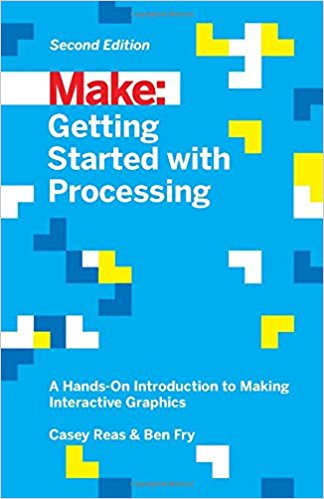
Getting Started with Processing
Casey Reas, Ben Fry
Second Edition, 2015
Maker Media
ISBN-13: 978-1457187087
ISBN-10: 1457187086
You must install Processing on your own computer. Get it at: https://processing.org/download/
line(10, 80, 30, 40);

Get your textbook online or a free pdf (older version but close enough).
Getting Started with Processing
Casey Reas, Ben Fry
Second Edition, 2015
Maker Media
ISBN-13: 978-1457187087
ISBN-10: 1457187086