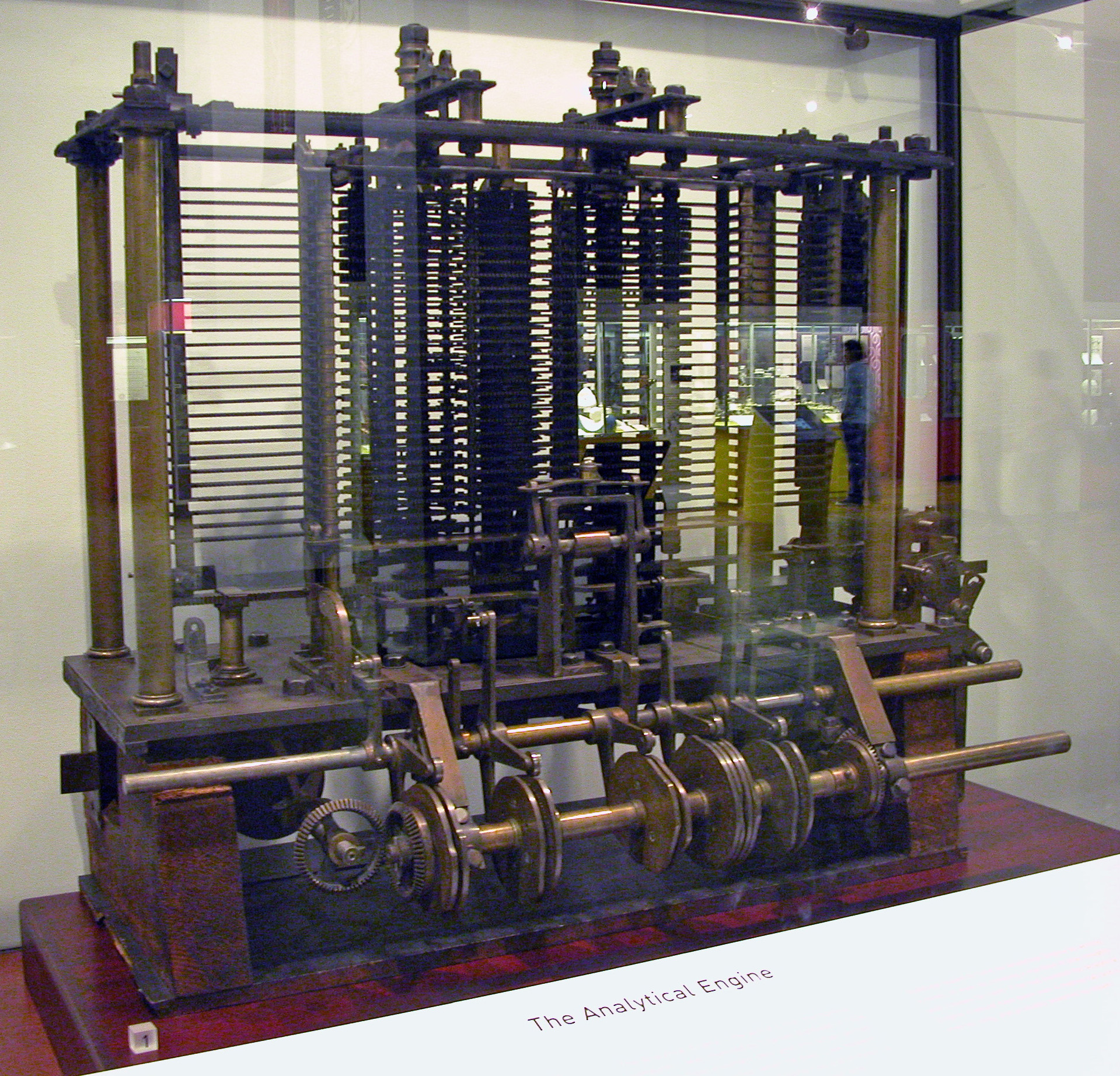
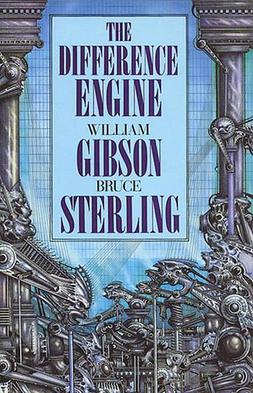
William Gibson and Bruce Sterling wrote a classic Steam Punk scifi novel about what the world would be like if Babbage had succeeded in building his machine.
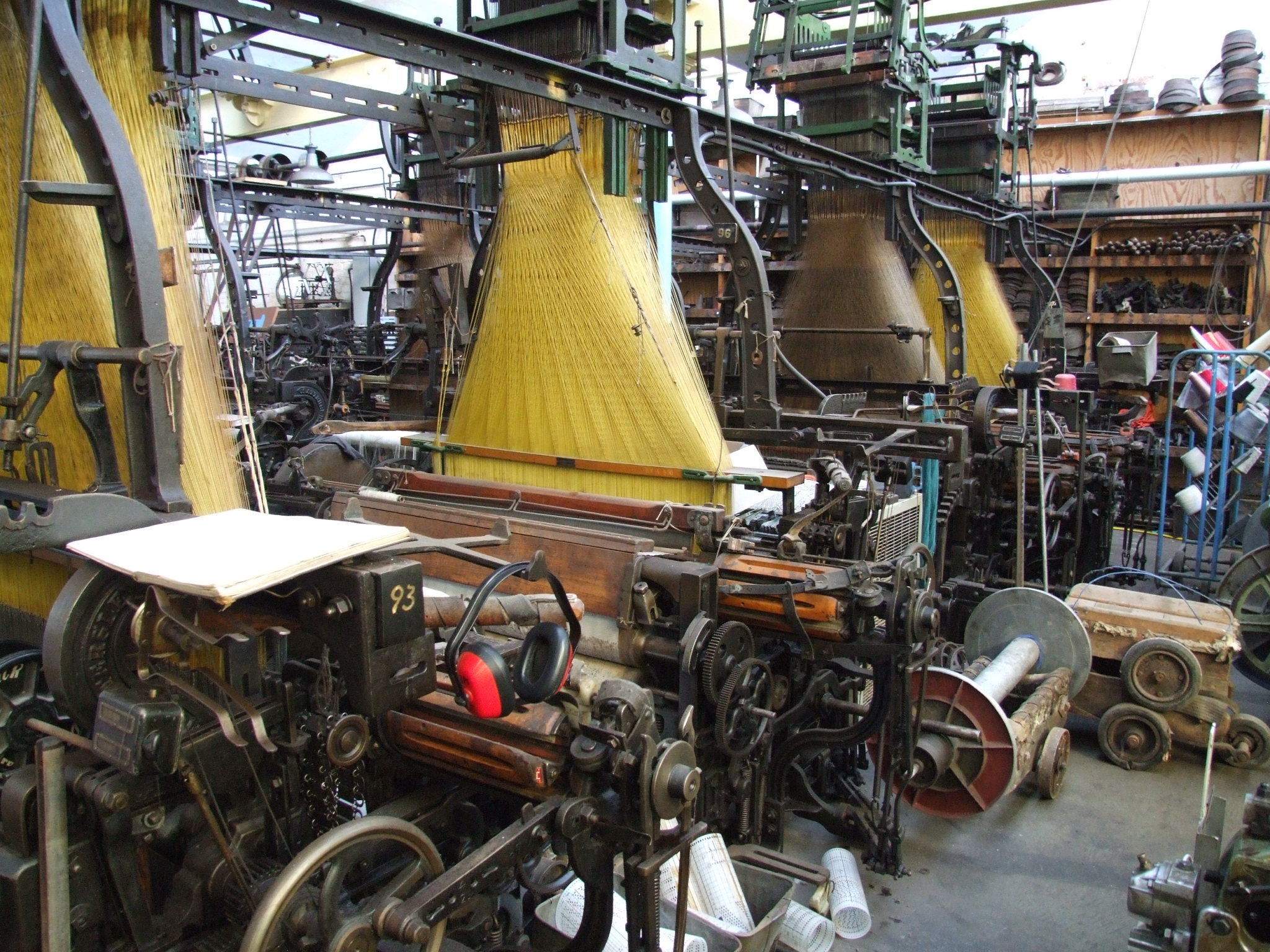
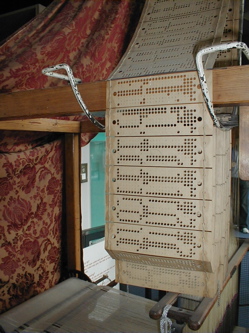
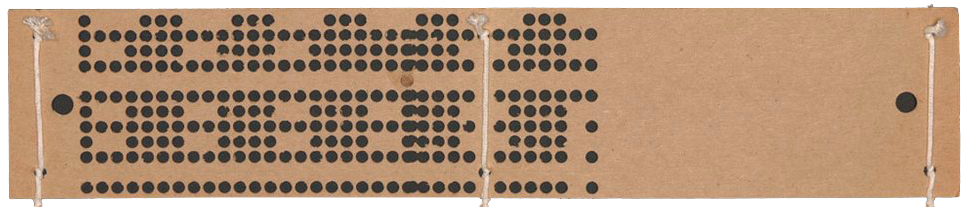
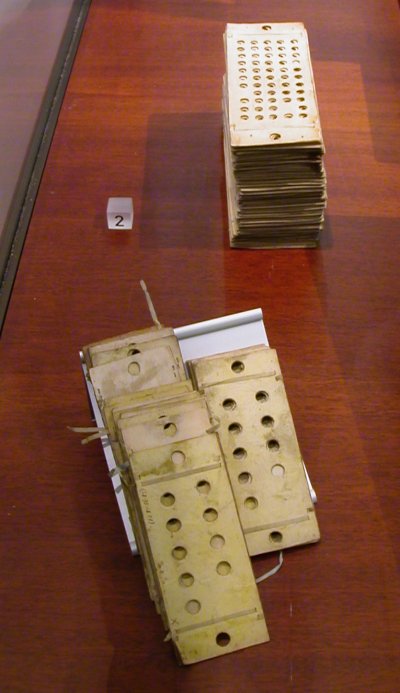
The Engine would have used punch cards like the Jacquard loom.
Lady Ada Lovelace (1815-1852) was the first person to figure out how to program the non-existent thing.
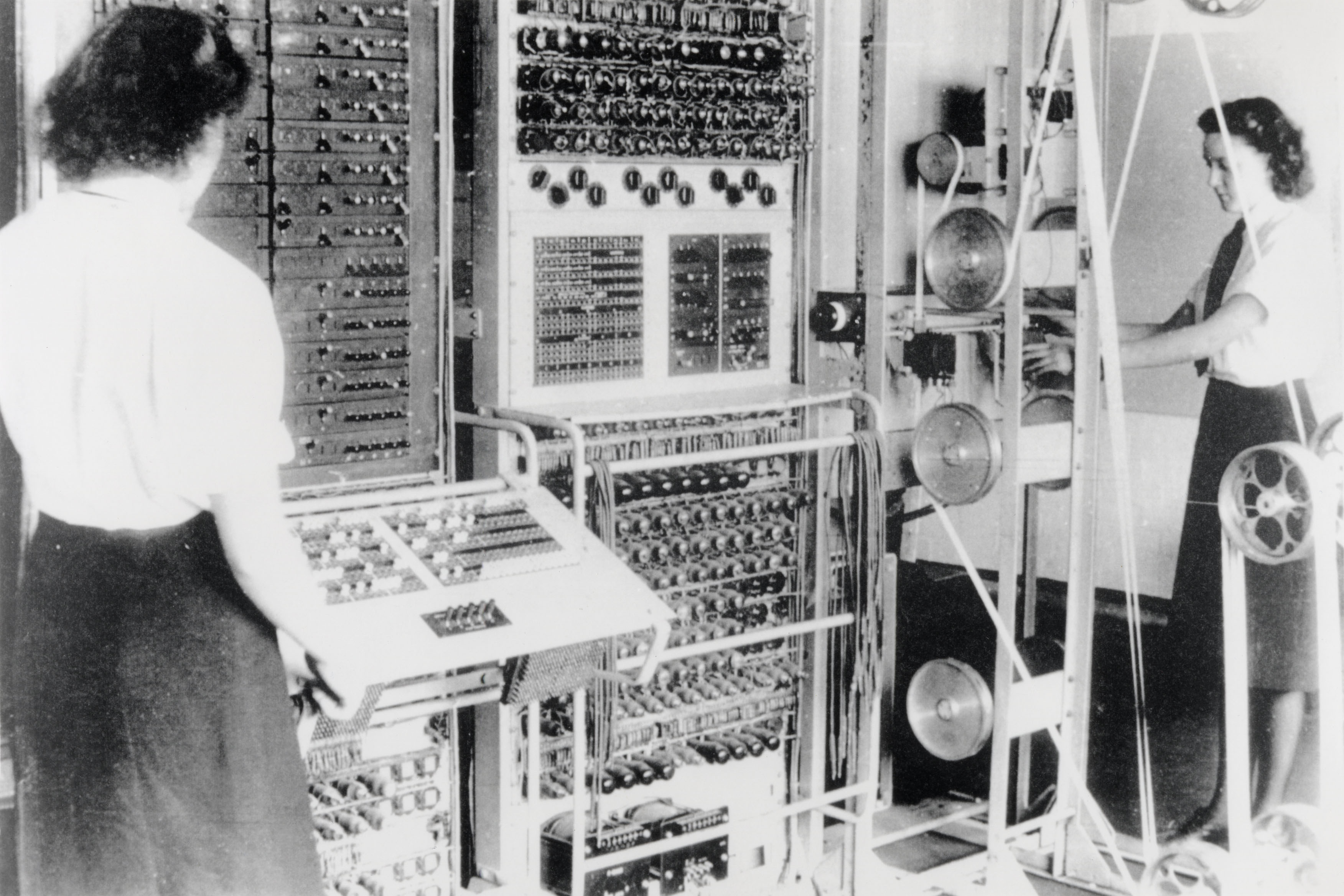
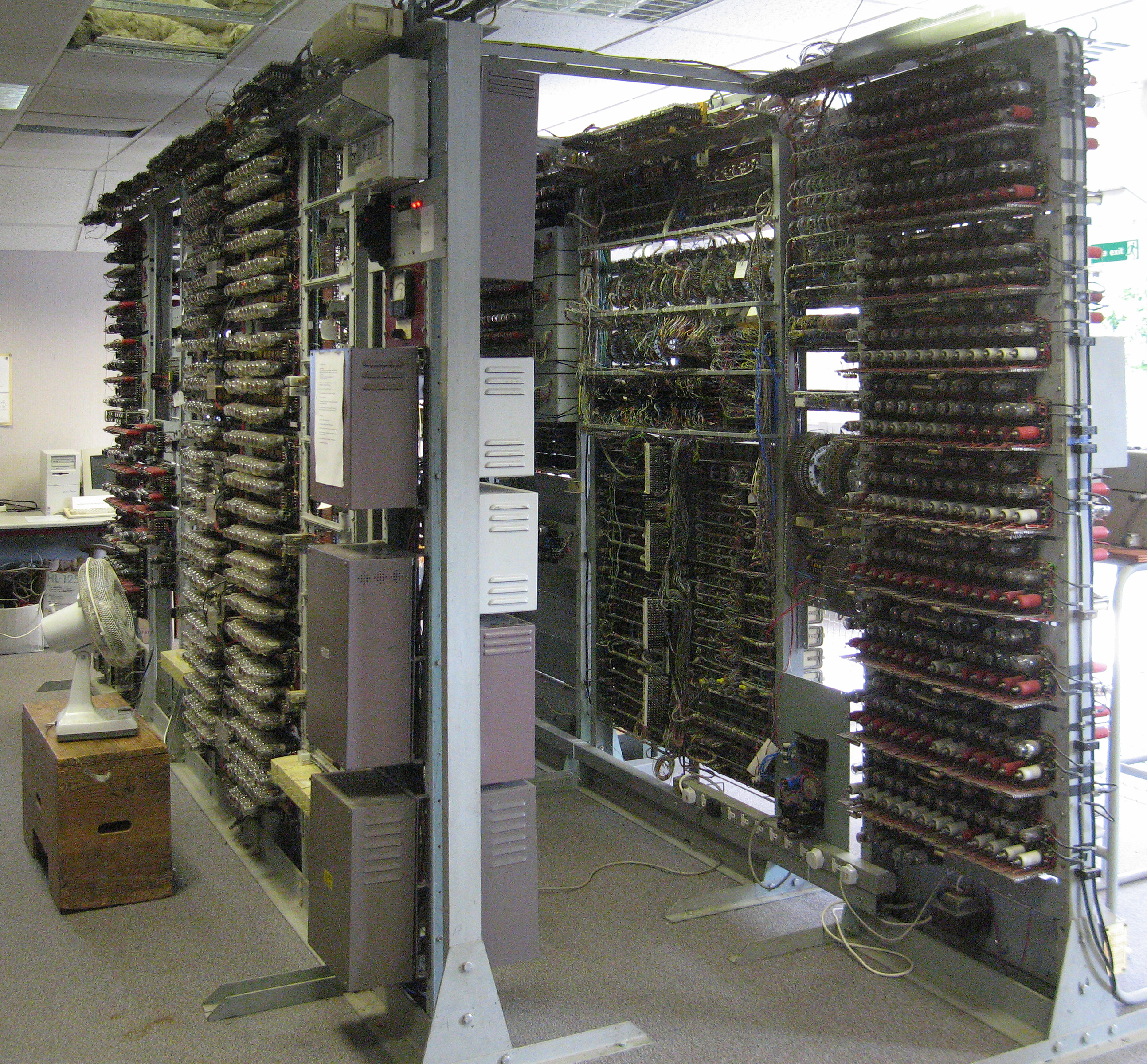
1943 Colossus Computer, invented to crack German cryptographic codes in WWII
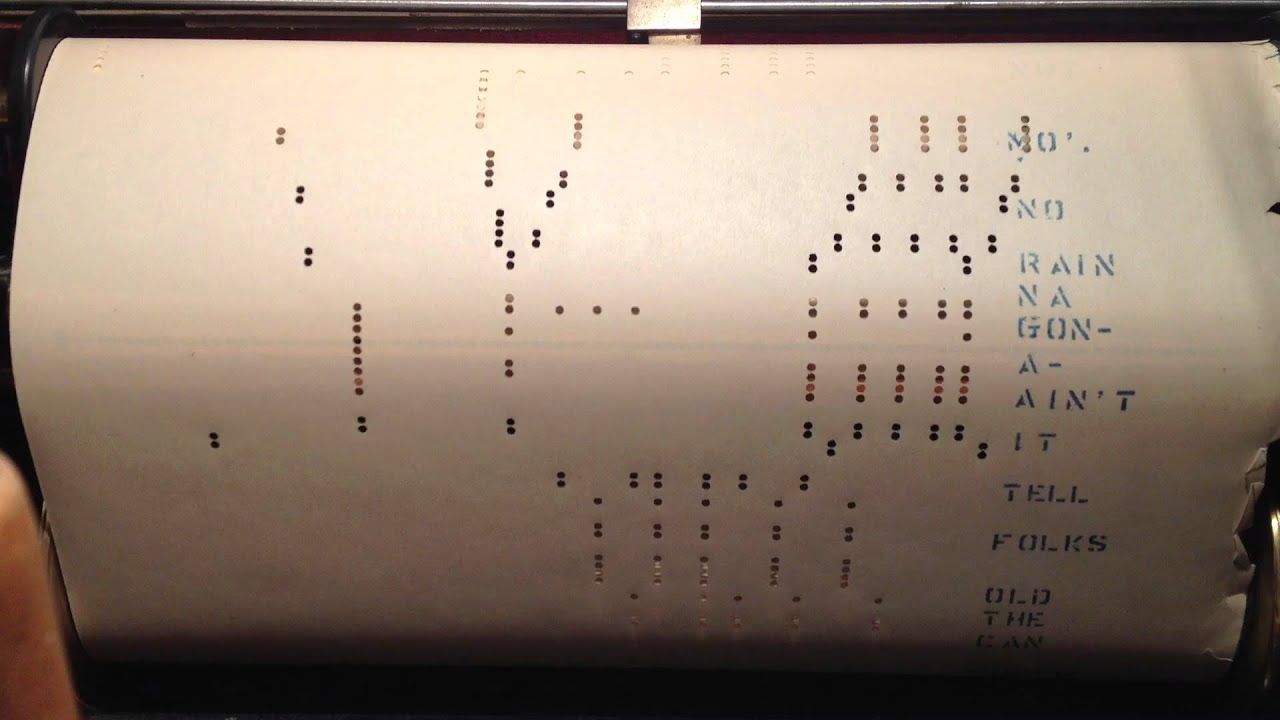
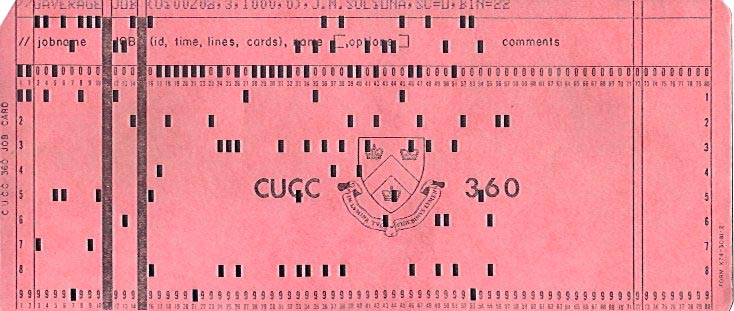
By in large, these machines had fixed programs - they were minimally programmable—reprogramming them meant re-wiring them. The next generation of machines allowed for programming with (usually) punch-cards
Commercial Computers
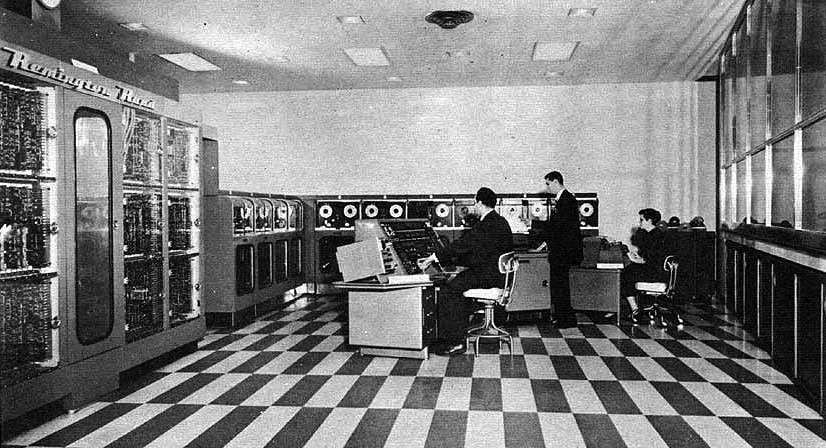
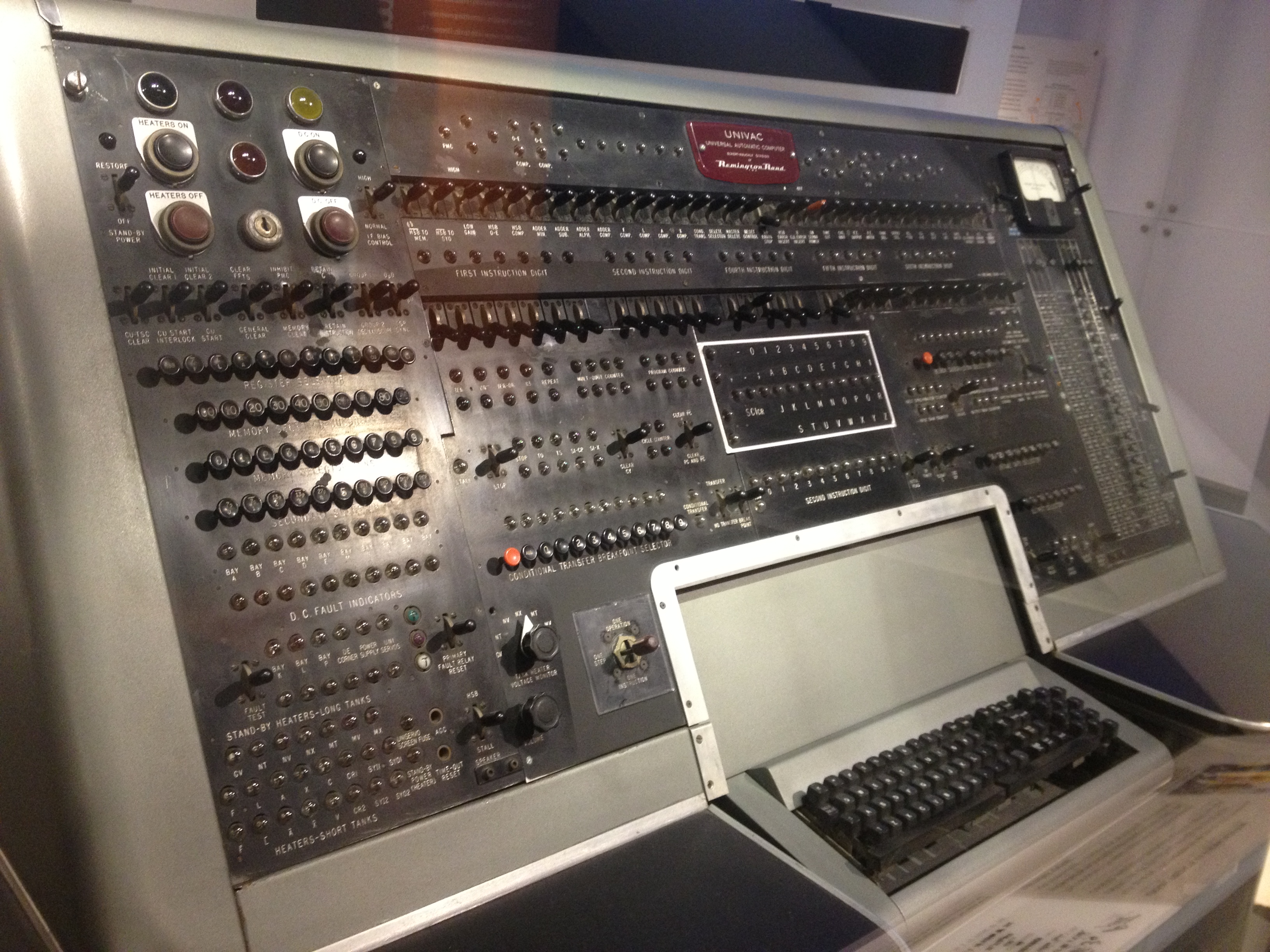
1951 UNIVAC I (UNIVersal Automatic Computer I)
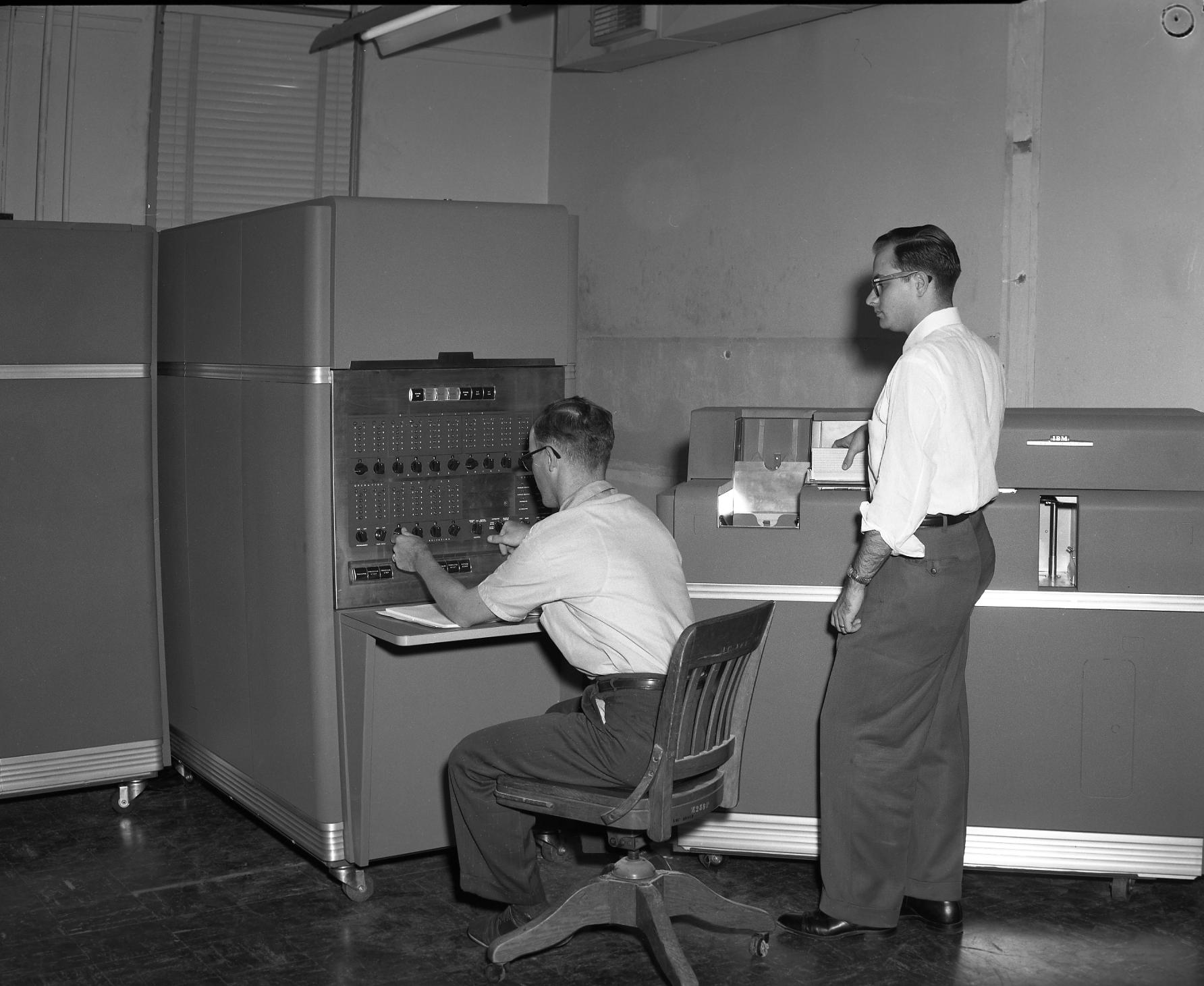
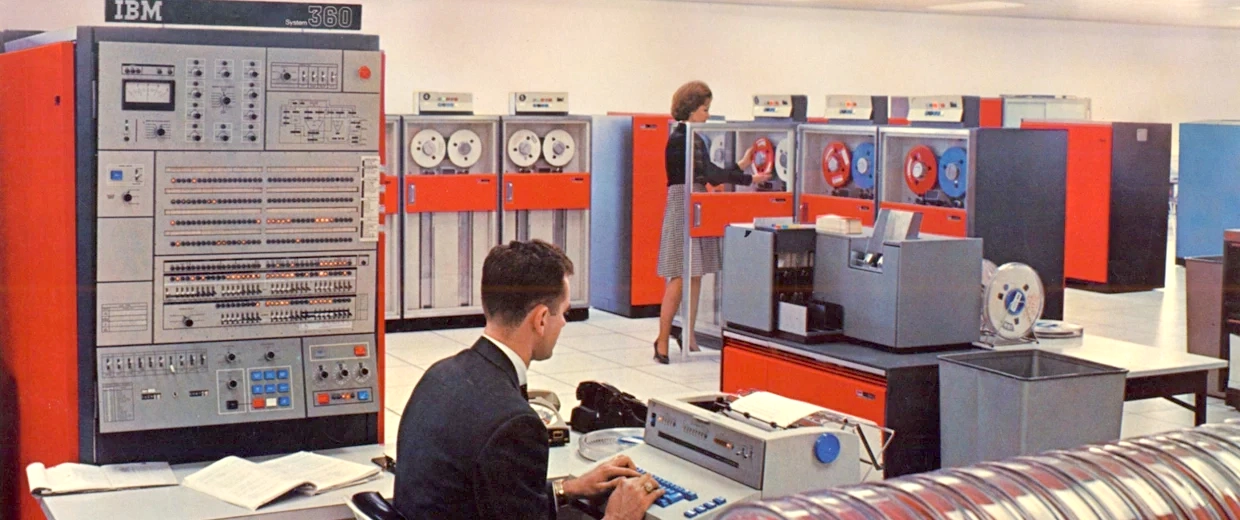
1953-1969IBM 650, or "Big Iron." Coding done with punch-cards
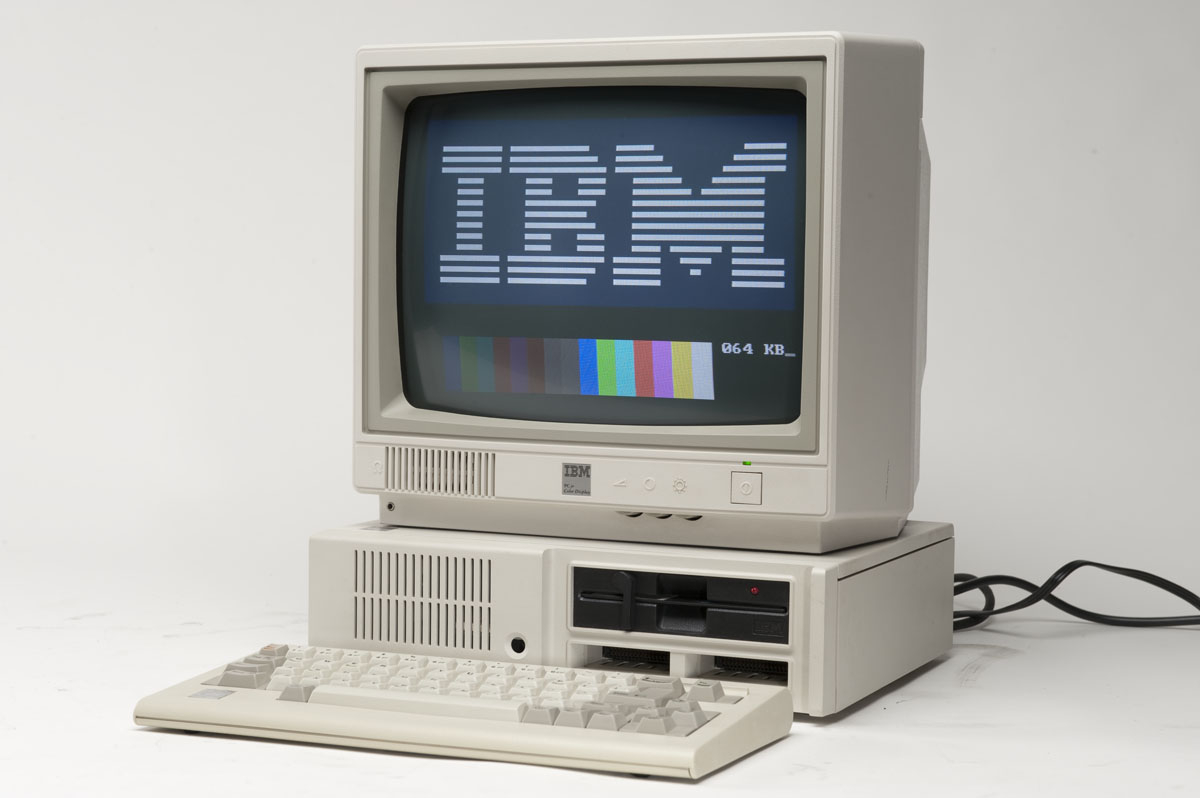
1960s & 70s Mainframes rule the world of computing. Computer coding becomes a real thing.
Coding languages break down into two major categories: Scripting and Compiled
Compiled Languages
Compiled languages require an intermediary step in order to do what they are intended to do. It has to be run through a process called "compiling" where it's fed through an application that turns it into an "executable" stand-alone application. That is, it will run as an application after it's been compiled. Examples of compiled applications include:
Photoshop
Google Chrome
Garage Band
Microsoft Word
Apple Mail
Basically, every program you use on your computer or mobile device. Even programs like Processing!
Without a doubt, C++ is the most common compiled language used today, closely followed by Java.
Sometimes called Embedded Languages, Scripting languages don't require a compiling step to work. Instead, they depend on another application to run them. Examples of Scripting Languages and their corresponding applications include:
JavaScript Web Browsers
PHP Web Severs
Python Python App
Processing Processing App
Nice thing is, Scripting Languages are hella easier than compiled languages, and often are free!
Here's an example of some code written in Processing:
Similar to the C++, but missing all that stuff at the top, like #include and #define, and most important, there's no need for a compiler.
Processing
Thinking is more interesting than knowing, but less interesting than looking.
Johann Wolfgang Von Goethe
We tend to break down into different categories of thinking styles:
Visual
Kinesthetic
Musical
Mathematical
Verbal
Artists and designers tend to be visual thinkers (duh!), while coders tend to be Mathematical. This has a lot to do with why so few classes in coding work for designers and artists. (Interesting fact: Research suggests that dyslexia is a symptom of a predominant visual/spatial learner.)
Why Processing
Processing is for people who think visually, not mathematically (although the best mathematicians do often think visually - Albert Einstein with his thought experiments and Micheal Faraday and his intuitions about electro-magnetism)
It makes it possible to get immediate visual results with just a line or two of code. Try that with JavaScript, Java or C++!
Click on the Run button in the upper left corner of the app window
Voila! You just ran your first Processing program!
Now let's extend that with this:
PROCESSING
line(10, 80, 30, 40); // Left line
line(20, 80, 40, 40);
line(30, 80, 50, 40); // Middle line
line(40, 80, 60, 40);
line(50, 80, 70, 40); // Right line
Click on the Run button in the upper left corner of the app window
Let's extend it even more
PROCESSING
background(0);        // Set the black background
stroke(255);          // Set line value to white
strokeWeight(5);      // Set line width to 5 pixels
line(10, 80, 30, 40); // Left line
line(20, 80, 40, 40);
line(30, 80, 50, 40); // Middle line
line(40, 80, 60, 40);
line(50, 80, 70, 40); // Right line
Click on the Run button in the upper left corner of the app window
Cool, huh?
Homework
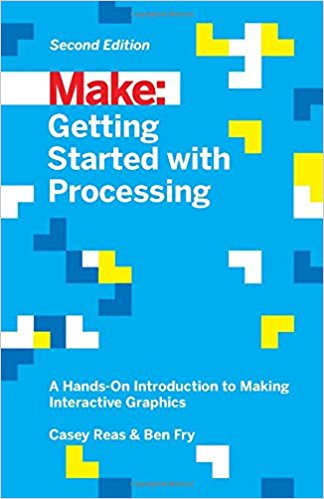
In your textbook, Getting Started with Processing, read the preface and up to page 12. Wherever you see some code examples, type them out yourself and run them to see what happens.