Class 1: Introduction to Illustrator I

Bureaucracy

Syllabus/Overview Review link

Assignments Review

Lab Review

We no longer require checking in to the lab or filling out lab hours time sheets. Yeah!!! But you're still on the hook for spending time working on this class.

A word about backing up

Adobe Product Guide

History!!

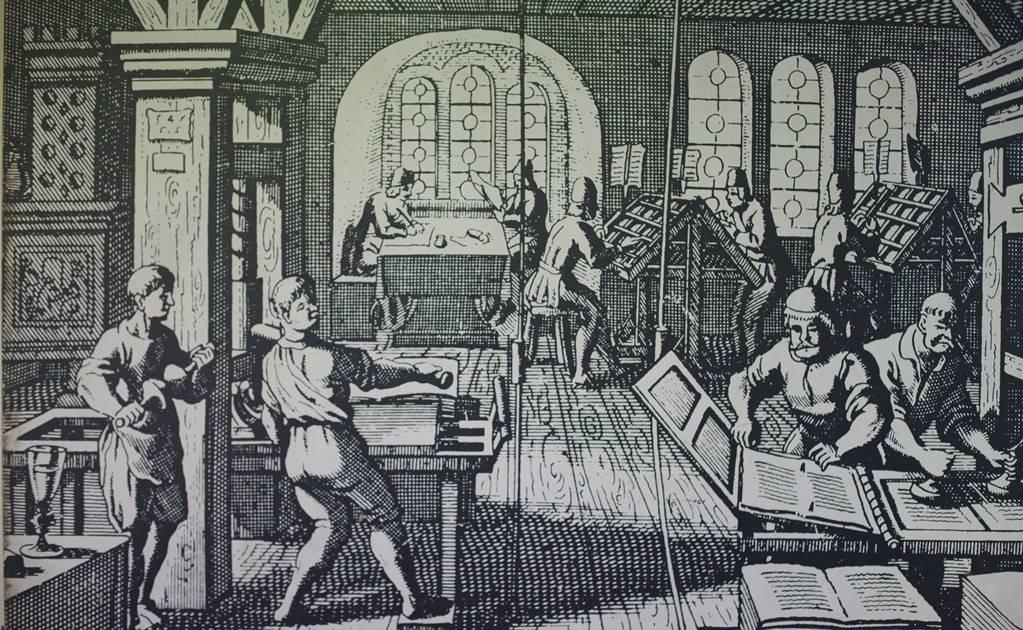
Gutenberg Print Shop

In 1439 Johannes Guttenberg becomes the first European to use moveable type

GUttenburg Press Guttenburg Bible Page

Guttenberg press, circa 1439 (wiki article)

The world of: Paste-up

Sample of Paste-up

Acutal paste-up artwork using actual paste

Drafting Machine

Drafting Machines

T-Square

T-Squares

Rubber Cement

Rubber Cement, RC Thinner and Spray Mount

Waxing machine and hand waxer

Hot-Waxers

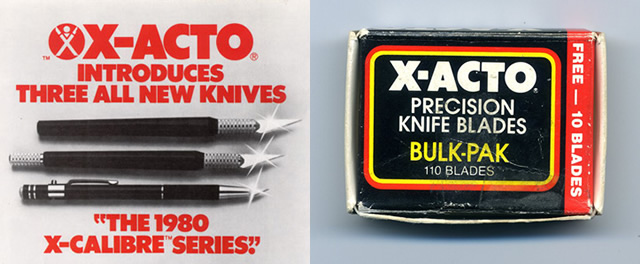
xacto knifes and blades

X-Acto Knives & Blades
The world of: Type

Wooden Type

Wooden Type

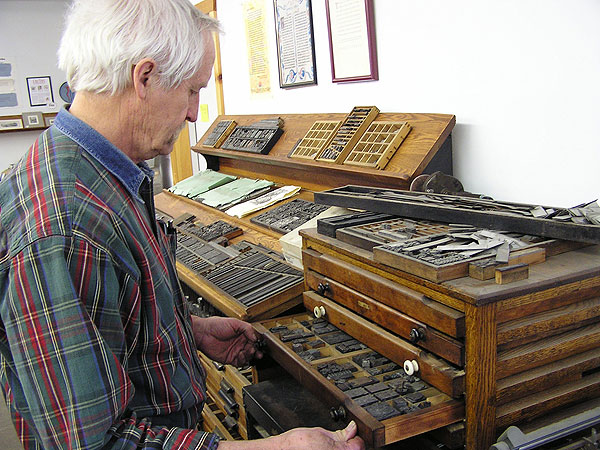
Metal Type

Metal Type

single piece of type
 

Hand-Set Type

AKA "Letterpress" - used nowadays for wedding invitations and special events

Hand setting type workstation

Hand setting type workstation

California Job Case

California job case & slug of set type

Letterpress press

Letterpress press


Machine-Set Type

Linotype Machine

Linotype Hot-Lead Typesetter Machine
(Wikipedia article )

Photo Typesetter

Photo-Typesetting
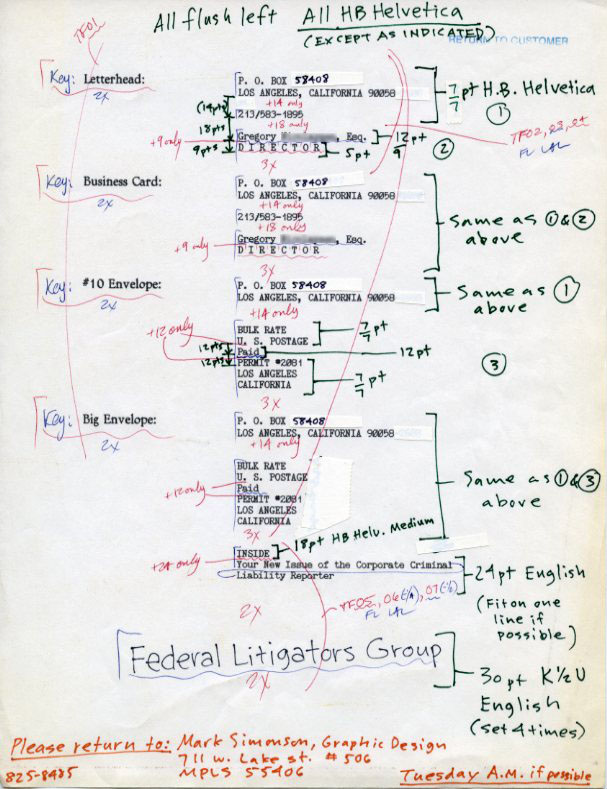
Example of mark-up for typesetting and a good article .

Marked up typewriter type
 

The world of: Inking

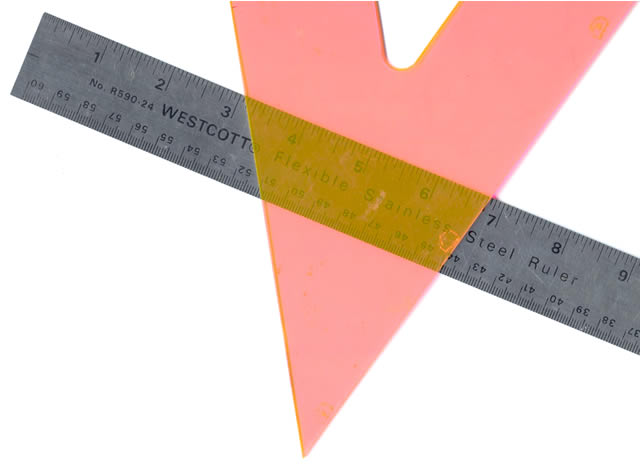
Ruler & triangle

Straight-Edges & Triangles

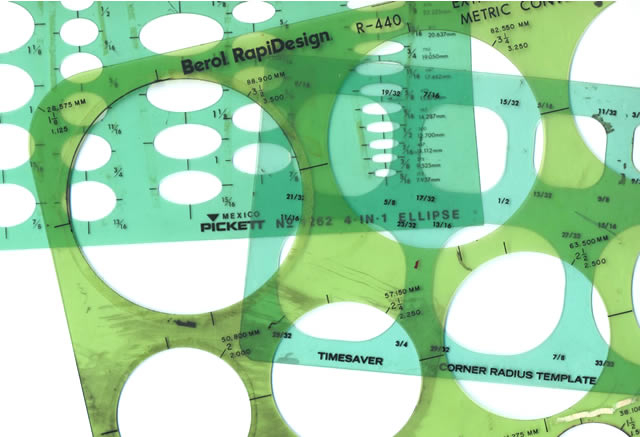
Templates

Templates

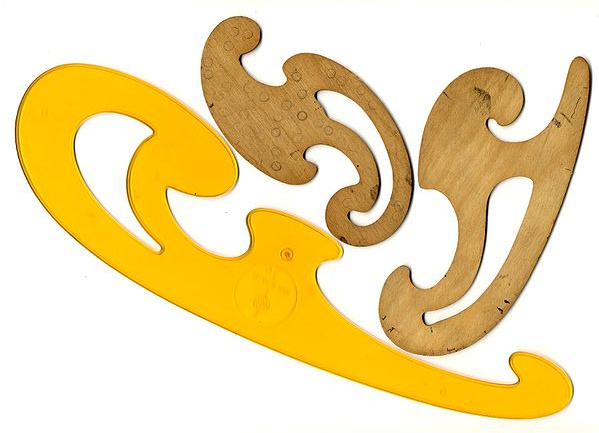
French Curves

French Curve Sets

Flexible Curves

Flexible Curves

Ruling Pens

Ruling Pens

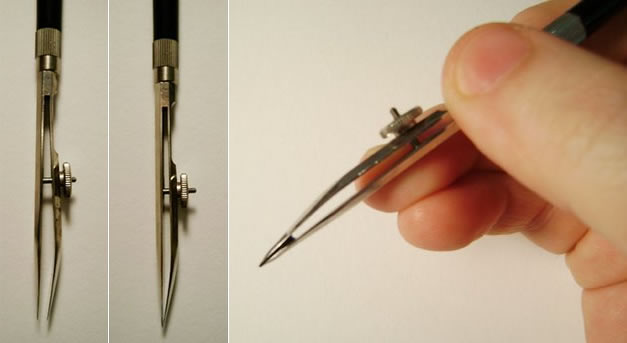
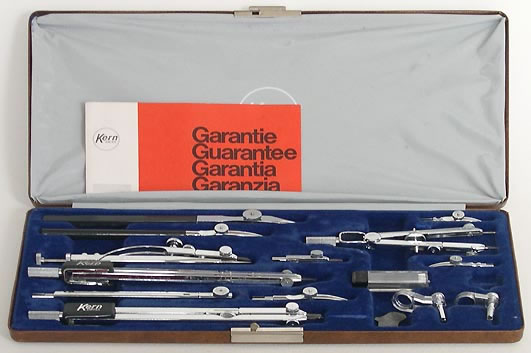
Instrument Set

Instrument sets

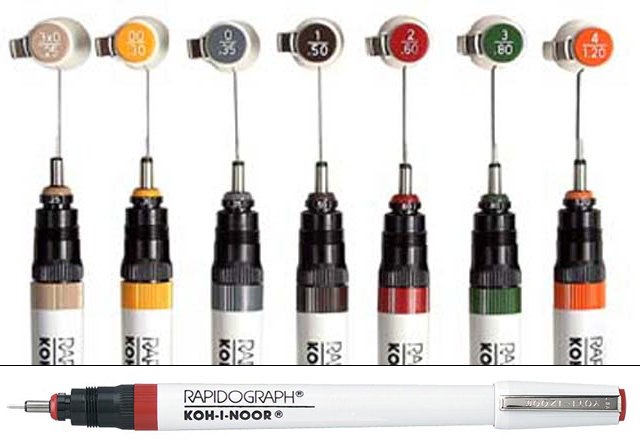
Rapidograph Pens

Rapidograph Pens

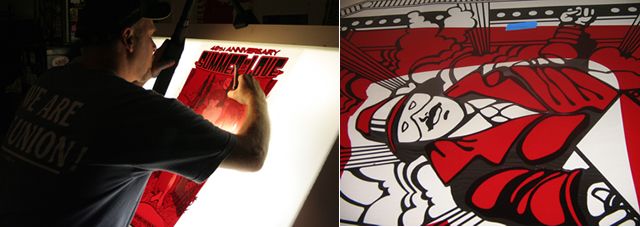
Hand Mask-Cutting

Rubylith

Rubylith

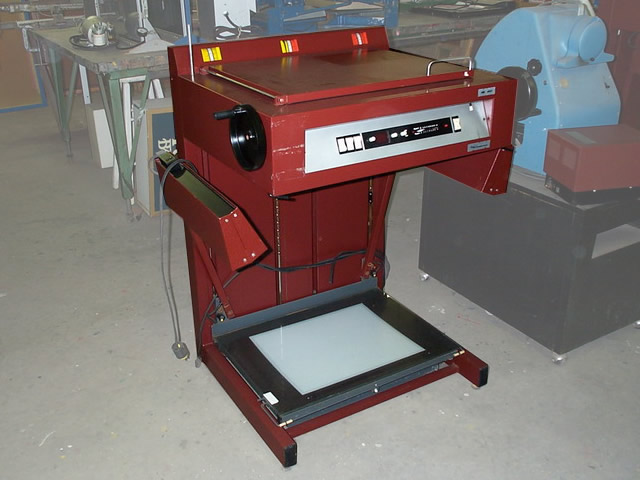
Camera Sizing

Photostat camera

Photostat Camera
& Processor

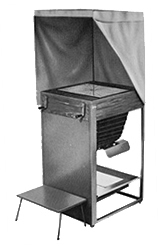
Luci Camera

Luci Camera

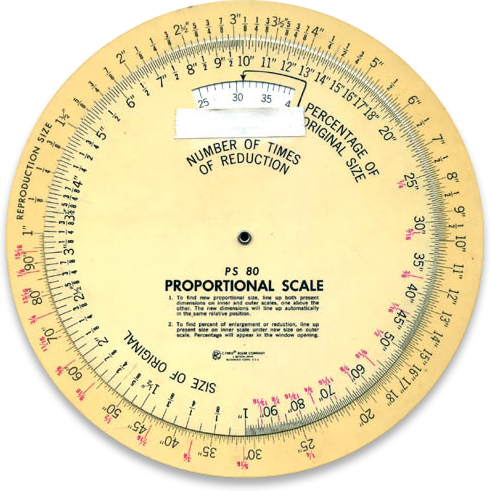
Proportion Wheel

Proportion Wheel

Weird Types of Measurement

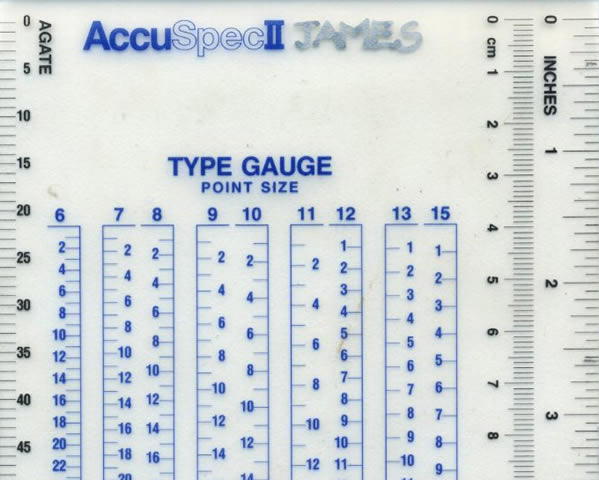
Typesetting Scale

Typesetting is measured in Points, Picas and Agates

  • Points invented by French printers in the early 18th Century
  • Agates used by newspapers (about 5.5 points in one agate)
  • 72 points (pt.) per inch (.01386 inch)
  • 1 pica = 12 points, 6 picas per inch
  • Don't worry, the only one that matters anymore in points...

Separate Design and Production Departments

History of Desktop Publishing

1984

The Original Macintosh Computer

Apple introduces the Apple Macintosh and creates "Desktop Publishing".

MacDraw

The introduction of MacDraw introduces vector drawing for the masses

1988

Illustrator 88

Adobe introduces Illustrator 88

Great YouTube video from Adobe on the origins of Illustrator

Aldus FreehHand version 1.0

Altsys created FreeHand and licenses it to Aldus (creator of PageMaker)

1989

CorelDRAW 2.0

Corel introduces CorelDRAW on Windows 2.0

Early 1994

Aldus Freehand 4.0

Adobe acquires Aldus

Mid 1994

Altsys sues Adobe to get FreeHand back

1995

Macromedia Logo

Macromedia acquires Altsys

2005

Adobe Logo

Adobe acquires Macromedia

2007

Adobe retires FreeHand

2009

Some people still use FreeHand, but for all practical purposes it is dead in 2012.

2012

Adobe moves to subscription model

2018

Adobe Illustrator CC 2018 (version 22) current version, decent upgrade with some new features and enhancement (listed here)

Current Tools

Illustrator Creative Cloud 2021 (product guide)

Illustrator CC Startup Splash

CorelDRAW

CorelDRAW Box

Xara Designer Pro

xara designer pro

Inkscape

Inkscape Banner

Affinity Designer

Affinity Designer

Sketch

Sketch
 

There are more, the above are just a few of the options, listed by popularity. For more on the various tools and their differences check this Wikipedia article

What To Use In This Class

Top Recommendation

Buy an Adobe Cloud subscription. $80/Yr or $40/Semester, cheaper than most textbooks

2nd Choice

Buy Affinity Designer. $54.99 for Windows or OS X. Don't use the iPad version for this class.

3rd Choice

Use the on campus machines through VMware Horizon.

What is Illustrator for?

Adobe Illustrator CS5 is the industry-standard illustration application for print, multimedia, and online graphics. Whether you are a designer or a technical illustrator producing artwork for print publishing, an artist producing multimedia graphics, or a creator of web pages or online content, Adobe Illustrator offers you the tools you need to get professional-quality results.

Adobe Illustrator CS5 Classroom In A Book

Create without boundaries: Create distinctive vector artwork for any project. Used by design professionals worldwide, Adobe Illustrator CS5 software provides precision and power with sophisticated drawing tools, expressive natural brushes, a host of time-savers, and integration with Adobe CS Live online services.

Adobe's web site - which is from an earlier version. They're so set in their monopoly that they don't even try to describe the product anymore, they just talk about new features.

Types of Graphics: Vector vs. Bitmaps

What is a Vector?

First, a word about Cathode Ray Tubes (CRTs).

Cathode Ray Tube Diagram Computer CRT

Early Raster Graphics

Early CRT

Watch from 1:30 +

Black & White TV Tube

A Vector is geometrical primitive such as a point, line, curve or polygon which can be described by a mathematical formula, and formulas can be infinitely scaled.

Some examples of vector type stuff

Typesetting Smooth Edge Vectors

Source

Smooth Gradient Vectors Scalability of Vectors Small File Size of SVG Editability

What is a Raster Image (aka Bitmap)?

Bitmap Pixels Zoom Into Bitmap

Some examples of bitmap stuff

Photography Blurry Photo Grainy Images Texture Image Computer Graphics 3D Image

Now, to add to the confusion!

A First-Look Tour

The User Interface (UI)

illustrator ui
Source File

The Tools Panel

Grouped by related function

cc2018 Tools Panel

Selection

Creation

Transformation

More Transformation

Useless Gadgets

Document Tools

Stroke/Fill Colors

Fill Types

Draw Modes

Screen Modes

The Control Panel

A context sensitive display of everything that can be controlled for the current item from the Tools Panel

The Control Panel

The Panels Panel

Pick your poison from the Workspace menu: Essentials

CS6 Panels Panel

Changing the view of artwork

From the View Menu

The View Menu

With the Zoom Tool

Zoom Tool

Scrolling

Scroll tool

The Navigator Panel

Navigator menu

Good Videos to know about

Adobe Tutorials

Adobe Help: helpx.adobe.com/illustrator